How to Download TikTok, Instagram & YouTube Videos Without Watermarks
Ditch blurry, watermarked videos. QLIP delivers pristine 1080p TikToks (no watermark!), Instagram Reels, and YouTube downloads for free. Upgrade your content now!
Every content creator, social media manager, and video editor knows the frustration: you need to save a reference clip, archive your own TikTok for cross-posting to Instagram Reels, or grab an audio track for a project—and you end up with a blurry, compressed file stamped with a bouncing username watermark.
Screen recording ruins the frame rate and captures your phone’s UI. Meanwhile, most free online video downloaders riddle your screen with sketchy pop-up ads and re-encode the video into a pixelated 480p mess.
If you are repurposing content across platforms in 2026, video fidelity matters. Algorithms on Instagram, YouTube Shorts, and TikTok actively penalize recycled videos that carry competing platform watermarks or suffer from heavy compression artifacts.
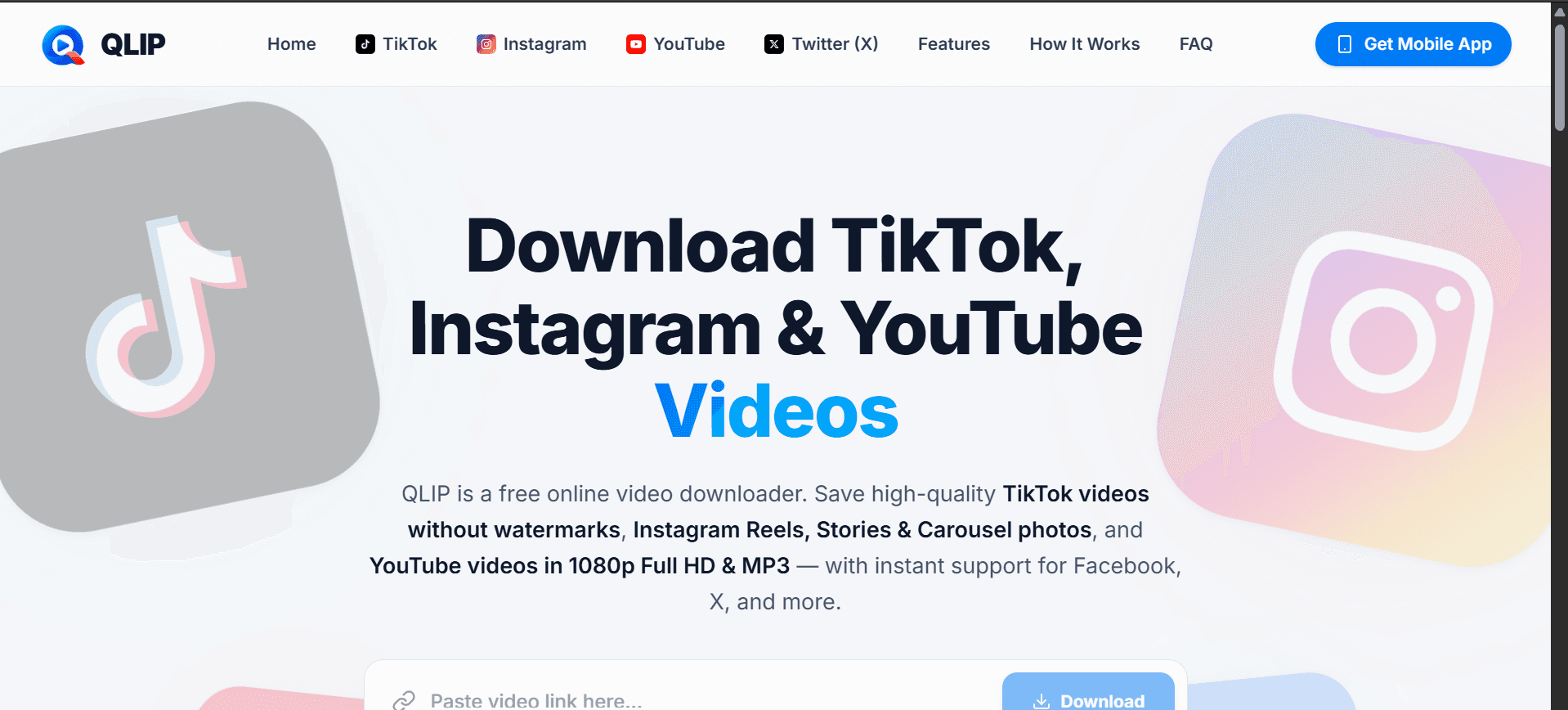
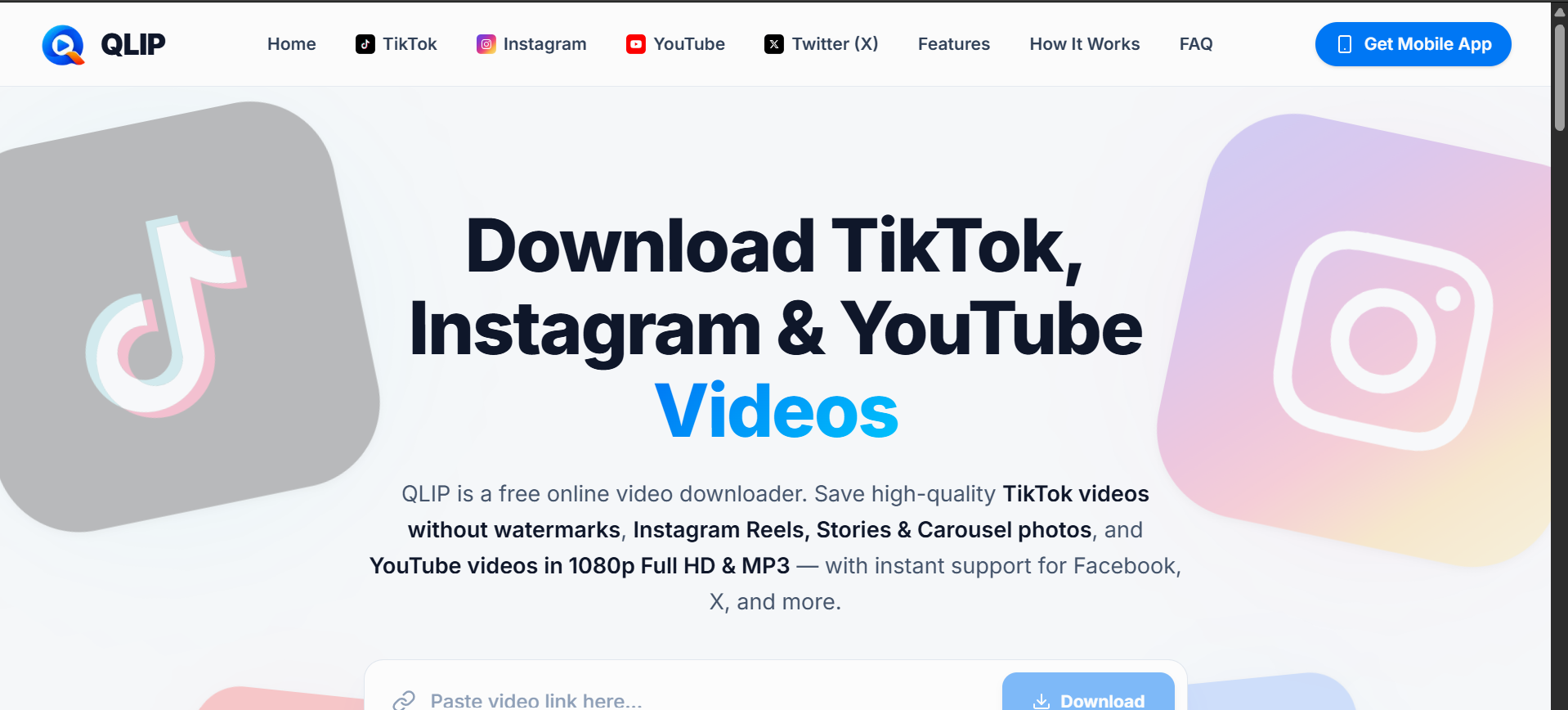
QLIP : That is the exact problem qlip was built to solve. Here is a breakdown of why standard download methods ruin your video quality, how direct cloud parsing fixes it, and how to save pristine 1080p media from any major platform in seconds
Platform-by-Platform: What You Can Do With QLIP
While QLIP supports over a dozen platforms—including Facebook, X (Twitter), Pinterest, Vimeo, Dailymotion, Twitch, and WhatsApp—it is specifically engineered to solve the biggest bottlenecks on the "Big Three" creator platforms.
1. TikTok: Watermark-Free MP4s for Cross-Posting
If you are a creator building a multi-channel presence, shooting and editing inside TikTok is fast—but exporting that video to post on Instagram Reels or YouTube Shorts with the TikTok logo attached will tank your organic reach.
One-Click Watermark Removal: Paste any TikTok web link, short link, or mobile share URL into QLIP to get the clean, unbranded MP4.
TikTok to MP3 Audio Extraction: Found a trending sound, speech, or background beat you want to use in an external editor like CapCut or Premiere Pro? QLIP lets you strip and download the raw MP3 audio track in seconds.
2. Instagram: Reels, Stories & Multi-Slide Carousel Photos
Instagram is notoriously restrictive when it comes to saving media for offline viewing or mood-boarding. Most tools fail the moment you paste a link to a post that contains both photos and videos.
Smart Carousel Detection: When you paste a link to a multi-slide Instagram post, QLIP automatically detects every slide in the gallery. You can preview and download individual high-res images/videos or grab the entire album at full original resolution.
1080p Reels & Stories: Save trending Reels with their original audio intact, or archive expiring Stories straight to your camera roll or desktop drive without logging into an Instagram account.
3. YouTube & X (Twitter): 1080p Full HD & Audio
Whether you are saving a long-form tutorial for an offline flight, grabbing a clip from X for a commentary video, or converting a lecture into an MP3 podcast, QLIP lets you choose your exact target resolution (1080p, 720p, 480p, or audio-only) before you waste mobile data downloading a massive file.
How to Download Any Social Media Video in 3 Steps
You don't need to install desktop software or configure plugins. QLIP works natively across iOS, Android, Windows, macOS, and Linux browsers.
Copy the Link: Open TikTok, Instagram, YouTube, or X. Tap the Share icon on the post you want to save and select Copy Link.
Paste into QLIP: Head over to qlip.techfamz.com, paste the URL into the input box, and hit Download.
Select Your Format & Quality: Choose your preferred video resolution (up to 1080p Full HD), select individual slides if it's an Instagram carousel, or pick the MP3 option to save the file directly to your device.
Power-User Tip: Get the QLIP Android App
If you do most of your content curation or editing on your phone, switching between apps and browser tabs gets repetitive. You can download the QLIP Android APK directly from the website. It features automatic clipboard link detection (the moment you copy a link on TikTok or Instagram, QLIP is ready to grab it) and includes a built-in offline media library and video player.
Frequently Asked Questions (FAQ)
How do I download TikTok videos without the watermark on iPhone or Android?
Open the TikTok app, tap Share -> Copy Link on the video you want, and paste that link into qlip.techfamz.com. QLIP bypasses the watermark overlay and gives you a direct download link for the original Full HD MP4 file, which saves directly to your iPhone Files/Photos or Android gallery.
Can I download a single photo from an Instagram multi-slide carousel?
Yes. When you paste an Instagram carousel link into QLIP, our cloud parser separates the post into individual slides. You can choose to download a specific slide in its original high resolution or download the entire gallery at once.
Is QLIP completely free, or is there a limit on HD downloads?
QLIP is 100% free with unlimited downloads. Unlike services that lock 1080p resolution behind a monthly subscription or force you to create an account, QLIP provides full-resolution downloads and MP3 extractions with zero registration and no hidden fees.
Can I extract just the MP3 audio from a TikTok or YouTube video?
Absolutely. Once you paste your video link into QLIP, simply select the MP3 / Audio option instead of a video resolution. QLIP will extract the original audio track without requiring a separate file converter.
Ready to Upgrade Your Content Workflow?
Stop settling for blurry screen recordings and watermarked clips. Whether you are archiving your own portfolio, building a swipe file of viral hooks, or saving tutorials for offline viewing, try QLIP right now—or grab the Android app on the site for one-tap clipboard downloads on the go.